


You may also like
-
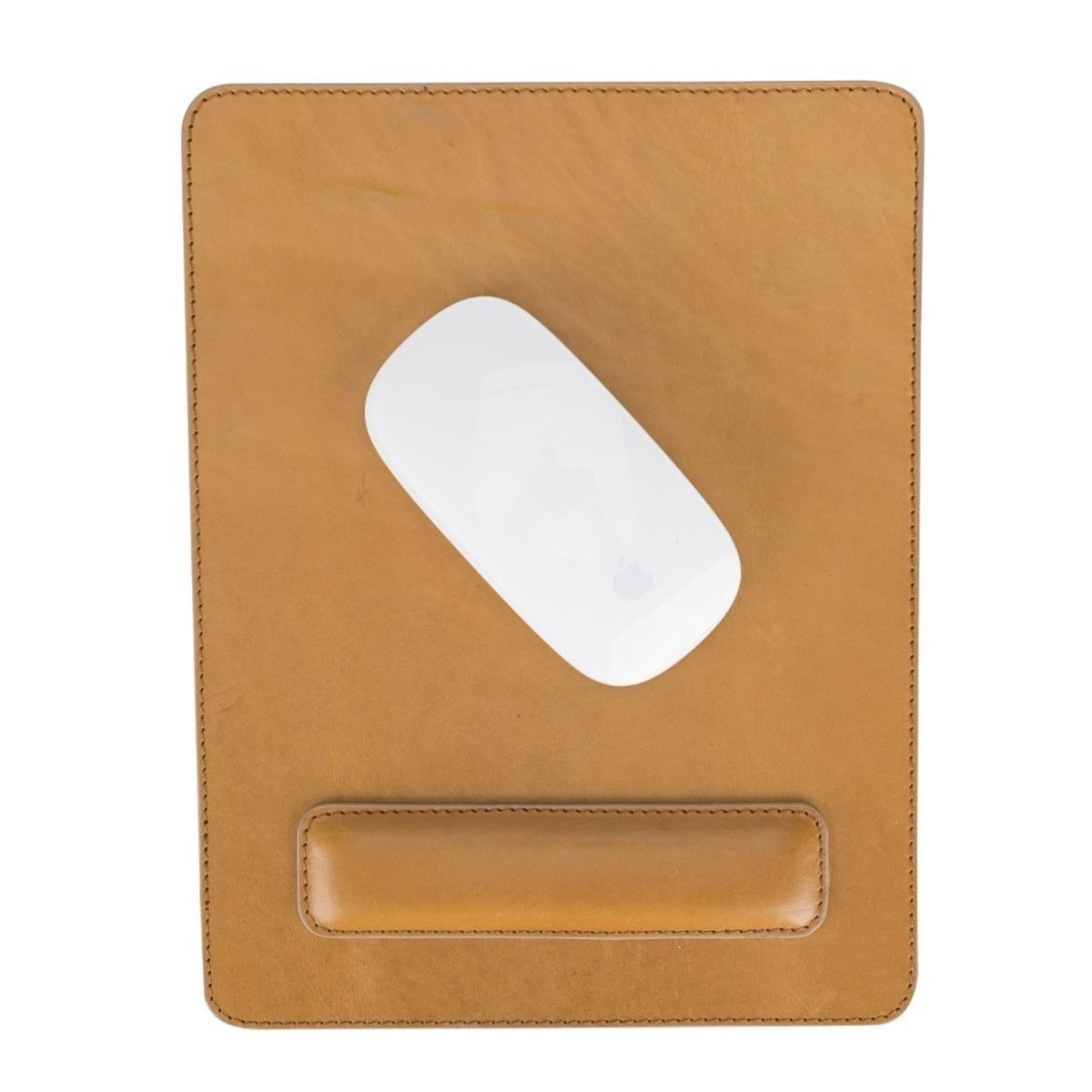
Full-Grain Leather Desk Pad with Non-Slip Base in Two Sizes
Vendor:TORONATARegular price $198.95 USDRegular price -
Blush Pink Stonewashed Linen Throw Blanket 60 x 84 Inches
Vendor:Creative WomenRegular price $171.95 USDRegular price -
Lightweight Striped Cotton Throw Blanket with Fringe 38 x 72
Vendor:Creative WomenRegular price $108.95 USDRegular price -
Pink Water Lily Bamboo Muslin Throw Blanket 50 x 70 Inches
Vendor:Newcastle ClassicsRegular price $97.95 USDRegular price -
Gray Cross and Stripe Bamboo Muslin Throw Blanket 50 x 70 Inches
Vendor:Newcastle ClassicsRegular price $97.95 USDRegular price -
Cream Tufted Cotton Throw Blanket with Tassels 50 x 60 Inches
Vendor:Boutique RugsRegular price $142.95 USDRegular price -
Aqua Green Cotton Knit Throw Blanket with Fringe 50 x 70 Inches
Vendor:Boutique RugsRegular price $110.95 USDRegular price -
Cream Knit Cotton Throw Blanket with Black Grid and Tassels 50 x 60
Vendor:Boutique RugsRegular price $158.95 USDRegular price -
Cream and Rust Striped Throw Blanket with Fringe 50 x 60 Inches
Vendor:Boutique RugsRegular price $110.95 USDRegular price -
Ivory Boho Cotton Throw Blanket with Fringe 50 x 60 Inches
Vendor:Boutique RugsRegular price $142.95 USDRegular price



Guides for Desk Accessories
View all-

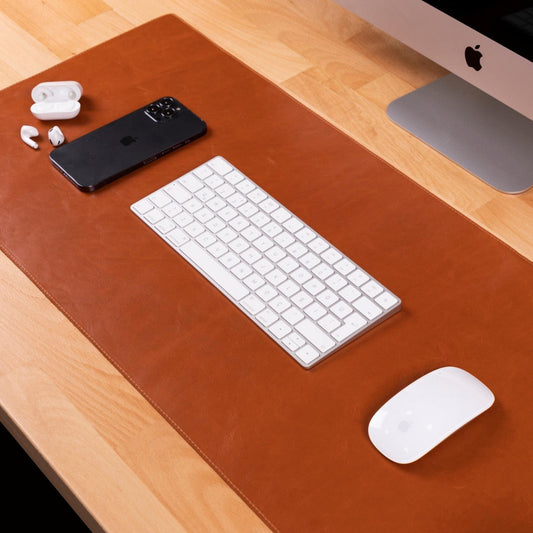
How to Choose a Leather Desk Pad That Fits Your Desk
Measure the mouse sweep before the desk. Which size, why leather for a workday desk, what OSHA says about wrist rests, and a size chart that fits on a phone.
How to Choose a Leather Desk Pad That Fits Your Desk
Measure the mouse sweep before the desk. Which size, why leather for a workday desk, what OSHA says about wrist rests, and a size chart that fits on a phone.
-

What Full-Grain Leather Means, and What It Does Not
Full-grain is not a grade, and top grain means two opposite things. What the words on a leather listing actually tell you, and the five checks that settle it.
What Full-Grain Leather Means, and What It Does Not
Full-grain is not a grade, and top grain means two opposite things. What the words on a leather listing actually tell you, and the five checks that settle it.
-

How to Set a Table for a Dinner Party
Every guide shows you where the fork goes. Almost none tells you what to own, which is the part that decides whether hosting feels calm or frantic.
How to Set a Table for a Dinner Party
Every guide shows you where the fork goes. Almost none tells you what to own, which is the part that decides whether hosting feels calm or frantic.
-

How to Refresh Your Living Space for the Season
Every room has a rhythm that drifts out of sync when the weather turns. Suddenly the space feels heavier or darker than it should, and the urge is to change...
How to Refresh Your Living Space for the Season
Every room has a rhythm that drifts out of sync when the weather turns. Suddenly the space feels heavier or darker than it should, and the urge is to change...


